

Your domain name may only be a few words long, but it can have a big impact on your business.
It’s often one of the first things customers see when they search for you online. It’s printed on marketing materials, included in email addresses, shared in social posts, and used to find your website.
So when something goes wrong with your domain, it can create more than a technical problem. It can create a customer problem.
At Branchleaf Digital, we help small businesses build and manage their online presence through GoDaddy websites, domains, SEO, and digital marketing. One of the most overlooked parts of that process is making sure your domain is working for your business.
Here are some common domain mistakes businesses should avoid.
Mistake #1: Choosing a Domain That’s Too Complicated
Your domain should be easy to remember and easy to type.
Long strings of words, unnecessary punctuation, complicated abbreviations, and unusual spellings can make your website harder to find.
Think about what happens when someone hears your domain in a conversation or sees it on a business card. Will they remember it five minutes later?
A simple domain isn’t just easier for customers. It’s also easier to use in advertising, social media, signage, and other marketing.
When it comes to domains, simple is usually better.
Mistake #2: Choosing a Domain Just Because It’s Available
Finding an available domain can feel like winning a small victory.
But availability shouldn’t be the only deciding factor.
A domain might technically be available while still being a poor choice for your business. It could be difficult to spell, too similar to another company, confusing for customers, or completely disconnected from your brand.
Before purchasing a domain, think about how it will look and sound everywhere your customers encounter it.
Your domain is part of your brand. Treat it that way.
Mistake #3: Ignoring Your Domain Extension
A domain extension is the part at the end of your web address, such as .com or .org.
While there are many extensions available today, customers are still familiar with traditional options like .com.
That familiarity can matter.
If someone hears your business name and automatically types the .com version of your domain, but you’ve chosen a different extension, they could end up somewhere else.
Alternative extensions can absolutely have a place in a digital strategy. The key is choosing one because it makes sense and not because it was the only option left.
Mistake #4: Forgetting to Renew Your Domain
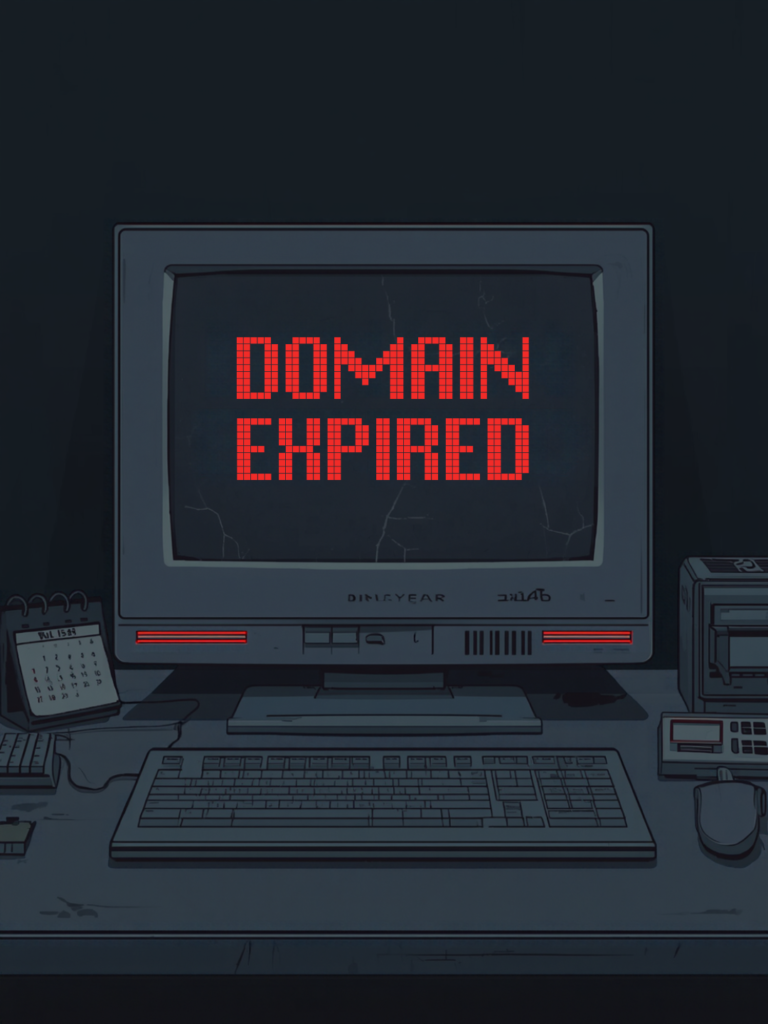
This one sounds simple, but it can cause serious problems.
Your domain registration has to be renewed. If it expires, your website and email could eventually stop working.
Imagine customers trying to visit your website and finding an error, or worse, discovering that your domain is no longer under your control.
Set your domain to auto-renew when appropriate and make sure your payment information is current.
Even better, know when your domain is scheduled to renew and make sure someone at your business is responsible for managing it.
Mistake #5: Not Protecting Your Brand
What happens if you own yourbusiness.com, but someone else registers a similar version?
Depending on the situation, customers could confuse the two businesses.
That’s why some businesses choose to register additional domain variations to protect their brand.
This might include:
- Common misspellings
- Abbreviations
- Alternate versions of the business name
- Relevant domain extensions
- New names during a rebrand
You don’t need to purchase every possible variation. A thoughtful strategy is much more useful than owning a pile of unused domains.
Mistake #6: Buying a Domain Without Checking Its History
A domain isn’t always truly “new” just because it’s available for purchase.
Some domains have been registered and used by other people or businesses in the past.
That means a domain can potentially come with a history you don’t know about.
Before purchasing a previously used domain, it’s worth doing some research. You want to know what the domain was associated with and whether there could be anything about its history that creates problems for your brand or SEO efforts.
When in doubt, get professional guidance before making the purchase.
Mistake #7: Letting Someone Else Completely Control Your Domain
It’s common for a business owner to have a website built by a designer, employee, friend, or marketing company.
That’s fine, but your business should still maintain ownership and access to its domain.
You should know where your domain is registered and have access to the account.
If the person managing your website disappears, changes jobs, or becomes unreachable, you don’t want your entire online presence tied to an account you can’t access.
Your domain is a business asset. Make sure your business has control over it.
Mistake #8: Changing Your Domain Without a Plan
Sometimes changing your domain is the right move.
But simply buying a new domain and switching your website over can create unnecessary problems.
Your domain may be connected to:
- Website pages
- Business email
- Google Business Profile
- Online directories
- Social media profiles
- Printed marketing materials
- Search engine rankings
- Digital advertising
A domain change should be planned carefully so customers can still find you and important links continue working.
If you’re rebranding, expanding, or moving to a new domain, take the time to create a transition plan.
How Your Domain Fits Into Your Digital Strategy
Your domain isn’t your entire online presence. But it connects many parts of it.
Your website needs a domain. Your professional email may use it. Your marketing campaigns promote it. Customers type it into their browsers. Search engines associate your website with it.
That’s why domain management deserves more attention than it often gets.
A strong digital presence starts with getting the fundamentals right.
A Quick Domain Safety Checklist
Take a few minutes to review your current domain:
- Is the domain easy to spell and remember?
- Does it match your business name?
- Is the extension appropriate for your audience?
- Do you know when it renews?
- Is auto-renew enabled?
- Does your business control the domain account?
- Have you protected important variations?
- Have you researched the domain’s history if it was previously registered?
- Do your website and email depend on the domain?
- Do you have a plan if you ever need to change it?
If you’re unsure about several of these, your domain may need a little attention.
Don’t Let a Domain Mistake Become a Business Problem
Your domain may be small, but its role in your business is anything but.
A confusing domain can make you harder to find. An expired domain can take your website offline. A poorly planned domain change can disrupt your marketing. And a domain you don’t control can become a serious problem when you need access.
The good news? Most domain problems are preventable.
Take a few minutes to review your domain now, before a small oversight becomes a much bigger issue.
At Branchleaf Digital, we help businesses get the digital basics right, and build from there.
FAQs
Common mistakes include choosing a domain that’s difficult to remember, selecting one without considering the brand, ignoring the domain extension, forgetting to renew it, failing to protect important variations, and giving someone else complete control of the domain account.
A good business domain should be relatively easy to remember, spell, say aloud, and connect to your brand. It should also make sense across your website, email, advertising, social media, and other marketing.
Not necessarily. Availability is only one consideration. Before purchasing a domain, consider how easy it is to spell, whether it fits your brand, whether it could be confused with another business, and whether it has a previous history.
Domain registration periods vary by registrar and registration settings. Businesses should know their renewal date, keep payment information current, and consider enabling auto-renewal to help prevent an accidental expiration.
Yes. Even if a web designer, employee, marketing agency, or other provider manages the website, the business should maintain ownership and appropriate administrative access to its domain account.
Sometimes. Additional domains can help protect important variations of your business name, common misspellings, or a brand you’re preparing to launch. The goal should be strategic protection rather than purchasing every variation available.
A domain that’s available for purchase may have been registered by someone else in the past. Researching its history before purchasing can help you understand what it was previously associated with and identify potential concerns.
It can create disruption if the change isn’t planned carefully. Your domain may be connected to your website, email, business listings, advertising, social profiles, and SEO. A domain change should account for those connections before the switch happens.
An expired domain can eventually cause your website and domain-based email to stop working. Depending on the circumstances, there may also be additional steps or costs involved in recovering the domain.
Leave a Reply
You must be logged in to post a comment.